
No bank connection
ClearWeek does not import bank transactions or ask you to connect an account. Enter your take-home income and costs yourself.
Prefer to enter your own numbers? ClearWeek turns income, regular bills and planned savings into a weekly spending budget, without connecting to your bank.
Android · Free core budgeting · No ClearWeek account required
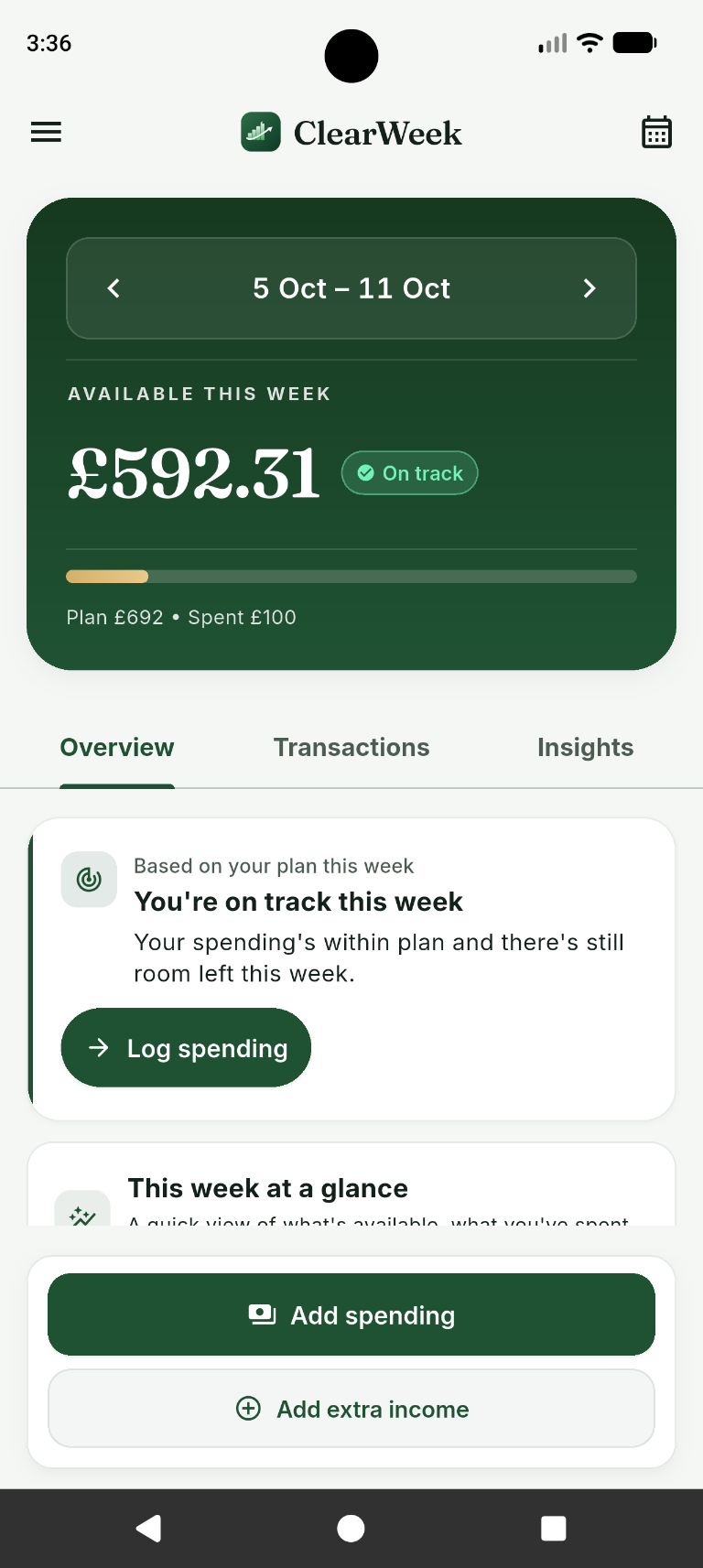
Manual entry is a deliberate choice. You decide what goes into the plan and keep the record current yourself.
ClearWeek does not import bank transactions or ask you to connect an account. Enter your take-home income and costs yourself.
Core budget entries are stored locally, with no developer-hosted budget sync. Export and import your budget when you choose.
Your available weekly amount is calculated from your entries. It cannot verify your bank balance or spot purchases you forgot to record.
No bank-login step and no ClearWeek sign-up. Start with your own figures, then build a logging routine that suits you.
Add income, monthly or yearly costs and an optional monthly savings contribution.
Review the spending amount after entered costs and planned savings have been accounted for.
Log spending as it happens or catch up from receipts. Correct an amount or remove a duplicate when needed.
If you want transactions to appear automatically, a bank-connected tool may suit you better. ClearWeek is for people comfortable recording their own spending and checking their plan against real bills.
Free core budgeting includes your weekly plan and manual spending tracking. Optional Premium adds comparisons, planning tools and longer-term views; it does not add bank linking.
Google Play handles app distribution and Premium purchases. If you export a budget or email support, information goes to the service or recipient you choose. Read the privacy policy for the full picture.
Know what a budgeting app without bank linking does, and what it leaves to you.
No ClearWeek account is needed for core budgeting. Google Play uses its own account and services for distribution and purchases.
No. You enter spending yourself. ClearWeek cannot detect missing transactions or reconcile your plan with a bank account.
You can export your budget and import it yourself. There is no developer-hosted cloud sync. Keep exports safe; copies shared with another service are subject to that service's handling.
Yes. The core weekly budget and manual spending routine are free. Additional Premium features are optional purchases.
Get ClearWeek for Android and start a weekly plan without connecting your bank.